
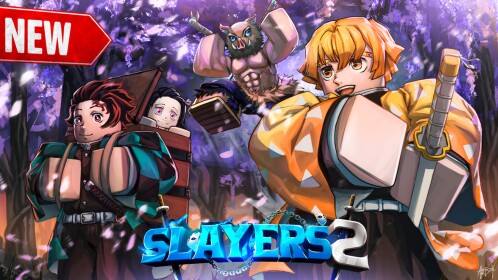
What we can verify
Verify a Discord invitation's destination and check that recent announcements match the game and its creator. Never provide a Roblox password, cookie, one-time code, or download to join a normal community.
Treat community chat as a discovery channel. Confirm builds, drops, and event claims through the live experience or an official announcement before acting on them.
Join safely
- Inspect the invite destination before accepting it.
- Read announcements and rules before acting on community claims.
- Never share cookies, passwords, backup codes, or verification codes.
- Never install an executor, script, or unknown file to obtain game access.
- Report suspicious messages through Discord and Roblox.
How to use community reports
A useful report includes the game version, a reproducible route, and evidence from the player's own session. It is a lead for further verification, not an official rule by itself.
Source record
- Official SLAYERS 2 Roblox game listing, checked 2026-09-21
- Ouw Productions Roblox community, checked 2026-09-21
- Official Project Slayers Discord destination, checked 2026-09-21
Editorial note
This is an independent fan guide. It distinguishes official information from player-made discovery material and leaves unknown details unconfirmed.